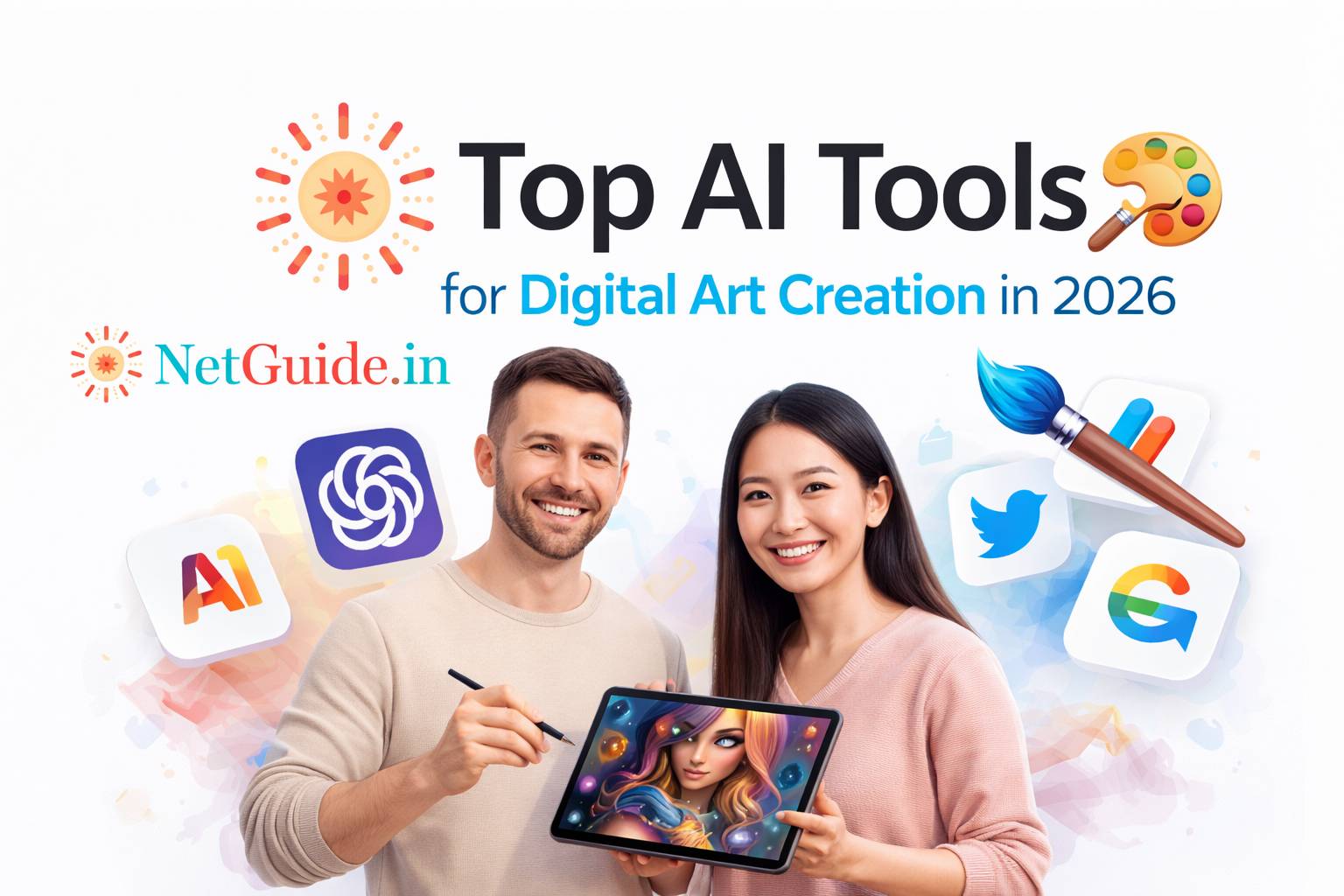
In 2026, AI has become a core part of digital art workflows — from generating concept sketches, moodboards, and full illustrations to refining styles, textures, and compositions. Tools excel at text-to-image for ideation, inpainting/outpainting for extensions, style transfer, and even vector/art-directed outputs. Whether you’re a concept artist, illustrator, digital painter, or hobbyist, these platforms speed up exploration while allowing creative control.
Table Of Content
This guide highlights the top performers for digital art creation (stylized, artistic, illustrative, and painterly results), based on 2026 creator tests, comparisons, and real workflows.
1. Best for Artistic & Stylized Digital Art
- Midjourney (v7+) — Still the go-to for stunning, painterly, and cinematic digital art. Excels at artistic styles, moodboards, concept exploration, and high-detail illustrations with strong prompt adherence and “wow” factor. Dominant for character design, fantasy, surrealism, and cover art.
Official link: https://www.midjourney.com/
Pricing: Subscription from ~$10/month (basic plan ~200 images). - Leonardo AI — Top for stylized digital art, textures, concept generation, and creative outputs. Excellent control over styles, fine-tuning, private generation, and commercial rights. Great for illustrators needing consistent characters or themed series.
Official link: https://leonardo.ai/
Pricing: Free tier; paid from ~$10-12/month. - Flux (Black Forest Labs models, e.g., FLUX.1.1 Pro / via platforms) — Leads in photorealism + artistic flexibility. Often used through getimg.ai, Leonardo, or ComfyUI for custom pipelines. Strong for detailed digital paintings, realistic lighting, and high-res art.
Official link: Access via https://getimg.ai/ or https://blackforestlabs.ai/
Pricing: Varies by platform (free trials; paid ~$8-20/month).
2. Best for Text-Heavy & Illustrative Digital Art
- Ideogram — Best for readable text in art (posters, book covers, typography-heavy illustrations). Handles stylized fonts, logos-in-scenes, and coherent compositions with artistic flair.
Official link: https://ideogram.ai/
Pricing: Free limited; paid from ~$8/month. - Stable Diffusion (open-source variants, e.g., SD 3.5 / Flux integrations) — Ultimate flexibility for custom digital art. Run locally or via platforms like Automatic1111/ComfyUI for inpainting, controlnets, LoRAs, and fine-tuned styles. Ideal for artists wanting maximum control and no censorship.
Official link: Community platforms (e.g., https://civitai.com/)
Pricing: Free (local) or platform-based.
Other strong mentions:
- getimg.ai — All-in-one workspace with multiple models (Flux, Seedream, etc.), editing tools, and collaboration.
- Canva Magic Studio — Easy entry for stylized illustrations + templates.
- Adobe Firefly — Integrated in Photoshop/Illustrator for pro refinement.
Comparison Table: Top AI Tools for Digital Art Creation (2026)
| Tool | Best For | Key Strengths | Official/Access Link | Starting Price (approx.) | Free Tier? | Style Control / Editing |
|---|---|---|---|---|---|---|
| Midjourney v7+ | Artistic / cinematic illustrations | Painterly styles, moodboards, high detail | midjourney.com | ~$10/month | No | High (prompts) |
| Leonardo AI | Stylized concepts & consistency | Textures, characters, fine-tuning | leonardo.ai | ~$10-12/month | Yes | High (built-in) |
| Flux models | Photoreal + artistic flexibility | Lighting, detail, open pipelines | Via getimg.ai / blackforestlabs.ai | ~$8-20/month | Trials | Very high (custom) |
| Ideogram | Text-integrated illustrations | Accurate typography, coherent art | ideogram.ai | ~$8/month | Limited | Medium-High |
| Stable Diffusion | Custom / local control | LoRAs, inpainting, no limits | Community (Civitai, ComfyUI) | Free (local) | Yes | Maximum |
Frequently Asked Questions (Q&A)
Q1: What is the best overall AI tool for digital art creation in 2026?
A: Midjourney v7+ for pure artistic inspiration and “wow” factor; Leonardo AI or Flux platforms for more control and consistency.
Q2: Which is best for beginners in digital art?
A: Leonardo AI or Canva Magic Studio — intuitive interfaces, styles, and editing without steep learning curves.
Q3: Best for text in illustrations (e.g., posters, comics)?
A: Ideogram — far superior text rendering compared to others.
Q4: Can I use these commercially?
A: Yes for most paid plans (Midjourney, Leonardo, Flux via platforms offer rights). Check terms; open-source Stable Diffusion is fully yours.
Q5: How to get painterly/digital painting styles?
A: Prompt with “digital painting, oil on canvas, concept art by [artist]” in Midjourney/Leonardo; use Flux for realistic brushwork.
Final Thoughts
In 2026, Midjourney + Leonardo AI + Flux (via getimg.ai) covers most digital art needs: Midjourney for inspiration, Leonardo for stylized consistency, Flux for detail/flexibility. Start with free tiers/trials — experiment with prompts like “cyberpunk cityscape digital painting, neon lights, detailed brushwork, cinematic lighting” and refine in-tool.
AI accelerates ideation and iteration; your prompts, refinements, and unique vision turn generated art into personal masterpieces.
Disclaimer: This post reflects popular tools and trends as of March 2026 based on reviews, creator tests, and usage reports. Features, pricing, and performance evolve quickly — always check official sites for the latest info. No tool guarantees perfect results; output depends on prompts, style choices, and post-editing. Use responsibly, respect copyrights/IP, and comply with platform terms. 🎨